
At the moment, it’s not possible to export search results from the Document module directly to Excel. We’ve received requests for this and aim to include the functionality in a future version of AM System.
As a workaround, you can generate a PDF list of all documents by running a search without any filters so that all documents are displayed. Then click the print icon to export the search results as a PDF file.
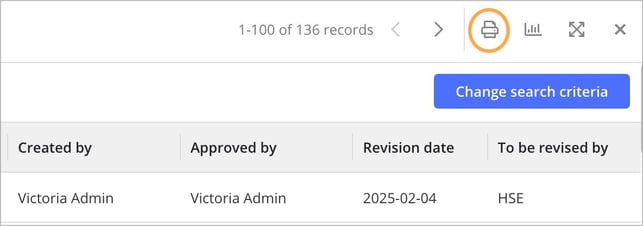
You decide which metadata is included in the PDF either under Settings » Search results fields, found in the top menu when you create the search query, or via the Default Fields in Query Builder function in Query Builder.
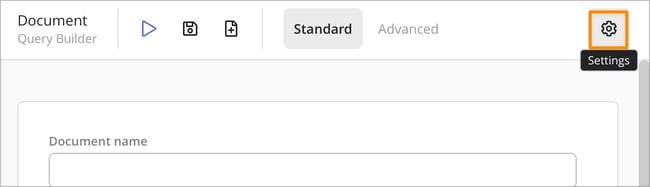
You control which metadata appears in the PDF either via Settings » Search results fields , available in the top menu when you create the search query, or by using the Default fields function in Query Builder.
Please note: The search should be conducted by a user with the profile setting Category (overrides access protection - provides access to all documents) (mentioned in point 6). This ensures that the user has visibility to all documents. If another user performs the search, only the documents they have access to will be displayed.